Real Cut 1D lets you to define types of materials and their properties. For defining a type of material press menu Materials | Types of materials. A new window will be displayed:

When a new material is added here you have to assign it:
There are several options for rotation:

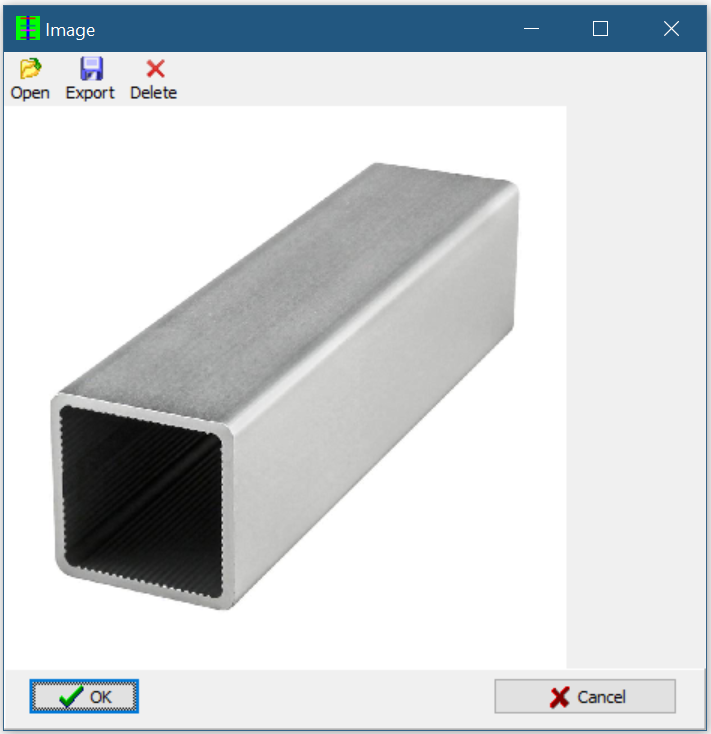
The user can define an image for the material by double-clicking the ... cell on the Image column. This image can be for instance how the section of the material looks like. The image will appear on the Results table.
Having the materials defined, one can easily specify the type of a Parts or Stock piece by clicking the drop-down list from the cell representing the type:

Links